Search by tag: Android Studio
5 articles
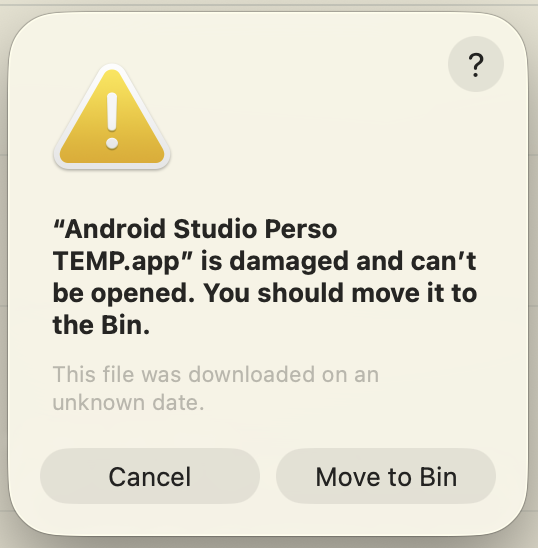
How to run two Android Studio instances on macOS
If you're an Android developer who juggles both professional and personal projects, you've probably faced this dilemma: you want to experiment with new plugins, test beta features, or try out different configurations on your personal projects—but you can't risk breaking your stable,…
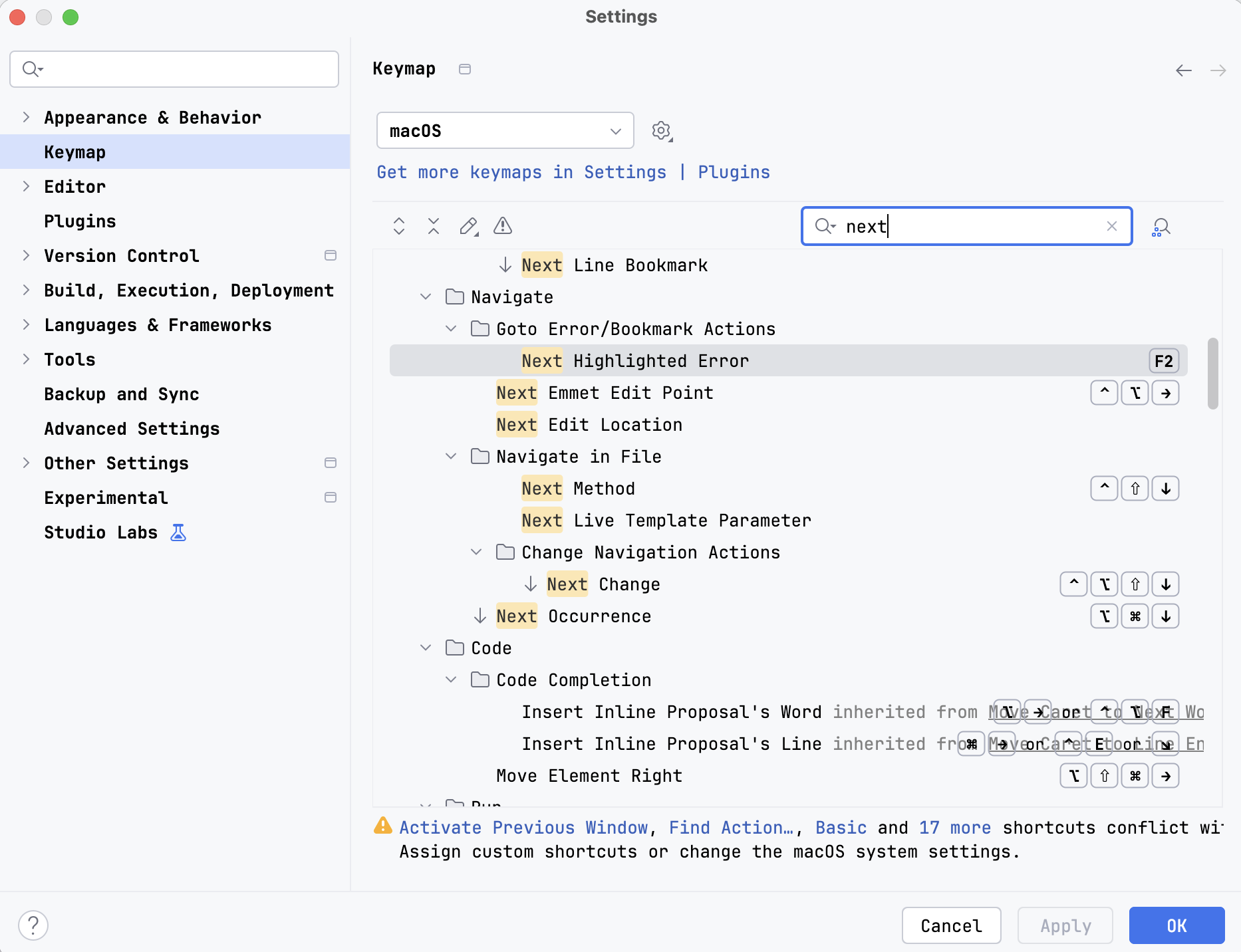
Android Studio shortcuts on macOS
This post will serve as a memo for the most useful shortcuts in Android Studio, running on macOS. I use the IdeaVim plugin, which may cause conflicts with the default shortcuts. Thus, some of my shortcuts could be different from yours.Android Studio allows the remapping of all its features (or…
Accessing your application database from Android Studio
Open the Terminal window (Alt + F12) or: Then list your devices with the adb command. This will display both running emulators and connected devices: Use the device name to open a connection: To avoid a Permission denied error while trying to access your application files, use the run-as command:…
Accessing your application files from Android Studio
While learning to play with SQLite databases in Android, I wanted to check the .db file generated by my code in the emulator. I was unable to find it directly with the built-in Files application because it doesn't let us see system folders. Fortunately, Android Studio 3+ comes with the Device…
Alt+Insert shortcut not working with Fn key in Android Studio (and maybe elsewhere)
I have a TypeMatrix keyboard with quite a few keys requiring pressing the Fn key first. Insert is one of them. So if I want to use a shortcut like Alt+Insert, I usually just need to type Fn+Alt+Insert. But it does not work in Android Studio1 2, where I had to add a custom mapping. It appears that…